
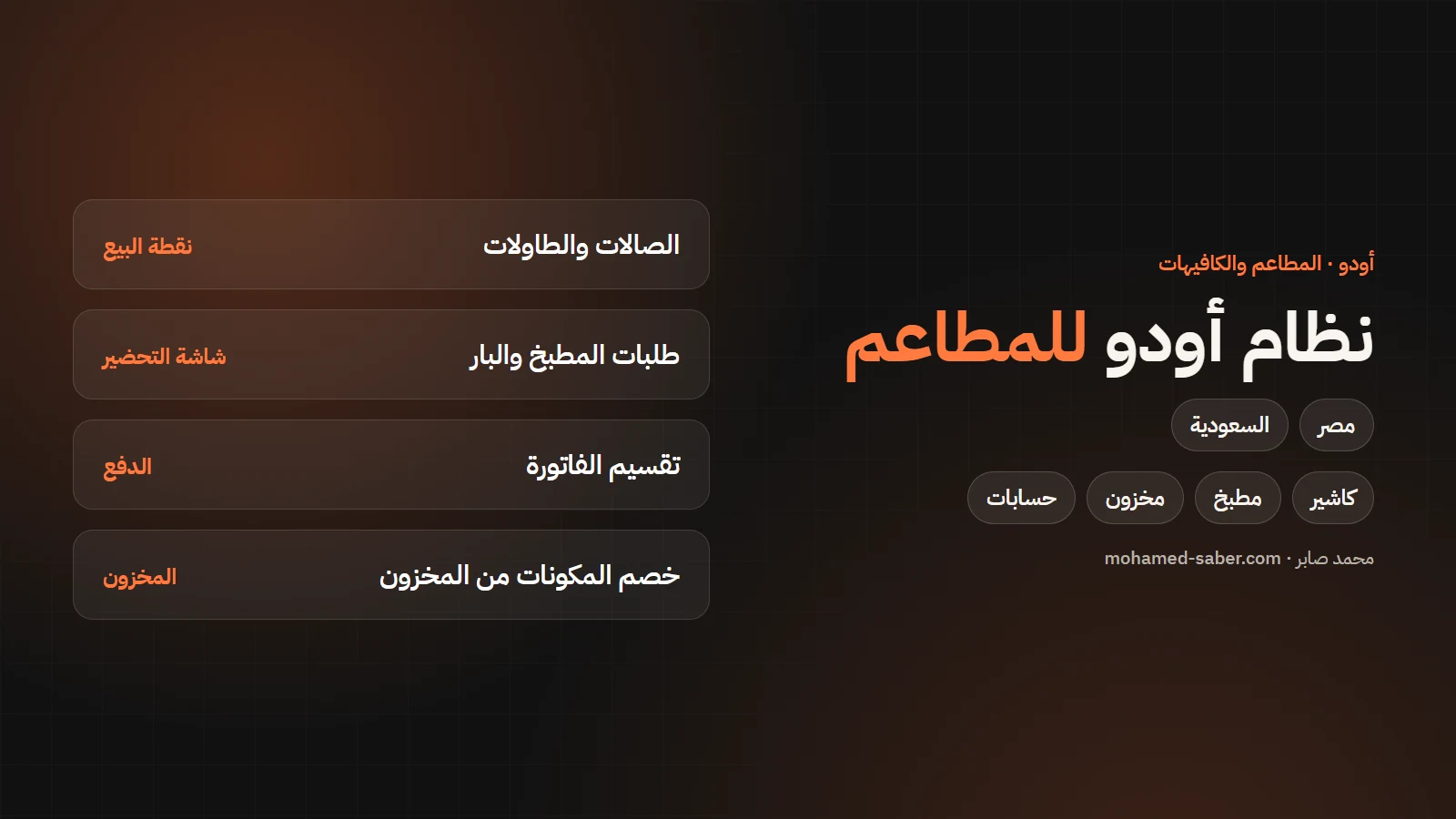
In short: Odoo's Point of Sale has a restaurant mode with tables, kitchen orders and bill splitting, and every sale flows into stock and accounting automatically. That replaces a separate cashier system and a separate accounting system.
Odoo POS features for restaurants
Per the Odoo restaurant POS documentation:
- Floors and tables: a plan per floor, each table's status, and moving or merging orders between tables.
- Kitchen: orders printed on kitchen or bar printers, and a preparation display.
- Bill splitting between several guests.
- Eat-in or take-out with different taxes for each if needed.
- Payments and receipts, early receipt printing, and tips.
Linking sales to stock and accounting
Each meal can be linked to its components so what is used comes off stock with every sale, and with reordering rules you know when to buy. Sales and purchases post to accounting directly. Read Odoo inventory management for details.
Egypt and Saudi requirements
- Saudi Arabia: 15% VAT, and Odoo has a Saudi Point of Sale module and a ZATCA e-invoicing module. Read the ZATCA phase 2 guide.
- Egypt: B2B e-invoices through the Tax Authority system, and e-receipts for consumer sales. Read the Egypt e-invoice guide.
Odoo comes in two editions: Community, free and open source, and Enterprise, a per-user subscription with extra apps and features. Prices vary by country and plan, so check the official pricing page; I recommend the right edition during analysis.
A day in a restaurant running Odoo
- The waiter opens the table's order on a tablet, and it prints in the kitchen or shows on the preparation display at once.
- Guests ask for separate bills, and the order is split in one tap.
- Payment by cash or card; the receipt prints and the sale is recorded.
- Ingredients come off stock and revenue posts to accounting automatically.
- At the end of the day the cashier closes the session and the owner sees sales and differences.
Reports that matter to the owner
- Sales per item and per hour, to see peak times and best sellers.
- Meal cost and margin from the actual ingredients.
- Waste and the gap between book and physical stock.
- Performance per cashier and shift.
- Items running low.
Odoo or a ready-made cashier system?
Criterion | Odoo | Ready-made cashier system |
|---|---|---|
Stock and accounting | Integrated with the POS | Often separate or limited |
Several branches | From one system | Depends on the product |
Customisation | Flexible | Limited |
Speed to start | Needs setup | Faster |
Hardware you need
- A POS terminal or tablet, plus waiter tablets if you want them.
- A receipt printer, and kitchen and bar printers.
- A cash drawer and a card terminal.
- A stable internet connection.
Getting your restaurant live
- Set up the menu, prices and taxes.
- Draw floors and tables and connect kitchen and bar printers.
- Link meals to their components and enter opening stock.
- Run a full test day before going live, and train cashiers and kitchen staff.
I have delivered Odoo for restaurants and warehouses, and I can help you start right. See Odoo ERP solutions.