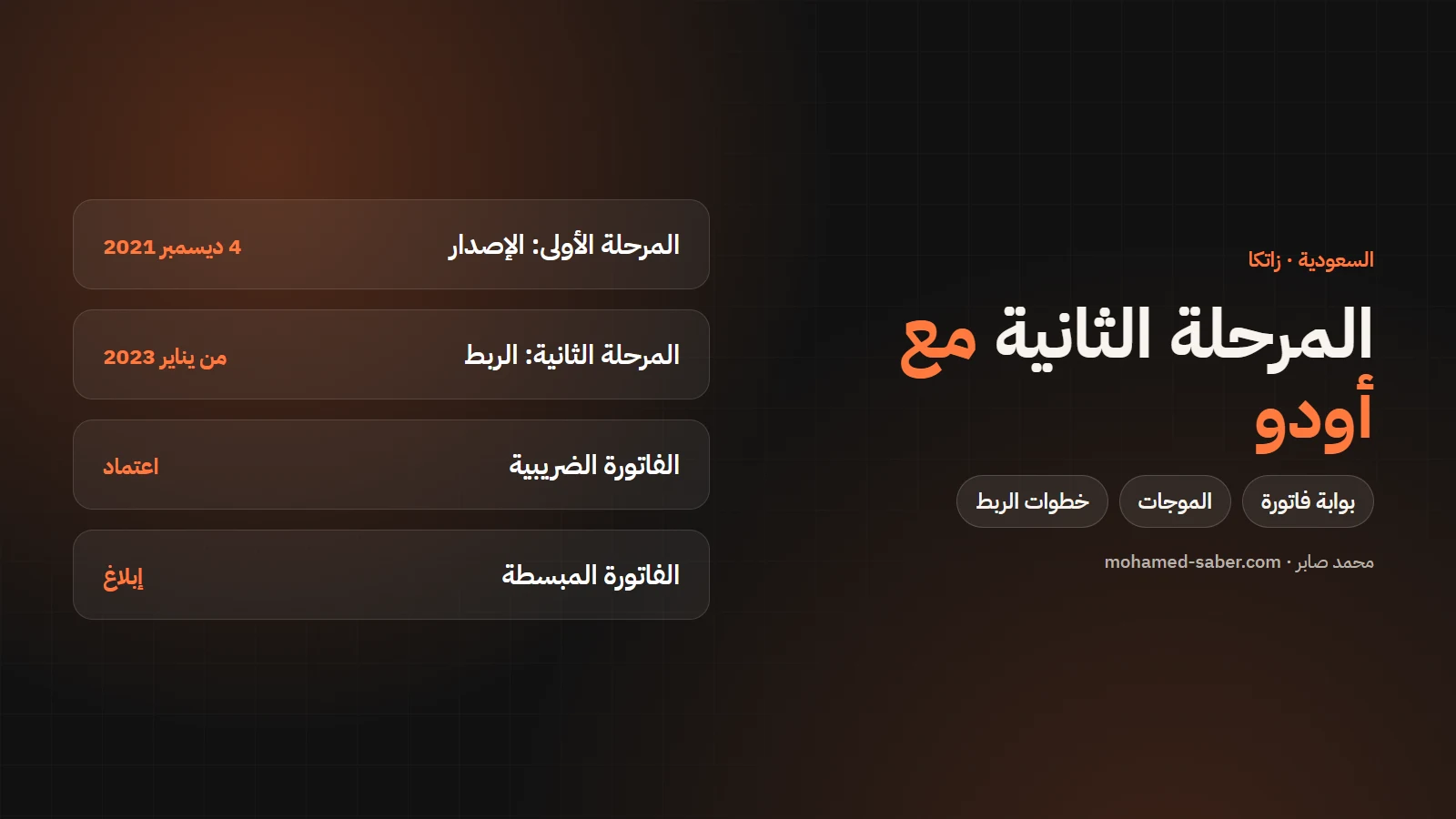
In short: e-invoicing in Saudi Arabia runs in two phases: generation since 4 December 2021, and integration with ZATCA's systems since 1 January 2023, in waves. When your wave arrives your system must be connected to the Fatoora portal. Odoo supports this with its Saudi e-invoicing module.
The two phases
Phase | Since | Requirement |
|---|---|---|
1: Generation | 4 December 2021 | Issue invoices from a compliant electronic solution with additional fields |
2: Integration | 1 January 2023, in waves | Integrate the solution with ZATCA's systems and issue invoices in the required format |
Source: ZATCA's official e-invoicing page.
The waves and when you must comply
ZATCA selects businesses for each wave by taxable revenue, notifies them officially and gives them at least six months to comply. The first wave started in January 2023 for revenue above SAR 3 billion, and the threshold dropped with each wave (500 million, then 250 million, then 150 million…). Source: Deloitte on the ZATCA wave criteria.
Clearance and reporting
- Standard tax invoices (B2B): must be cleared by ZATCA before sharing with the buyer.
- Simplified invoices (B2C): are reported to ZATCA after issue.
Getting ready before your wave
- Check ZATCA's notification for your business's integration date.
- List every place you issue invoices from: accounting system, points of sale, online store and manual invoices.
- Choose a compliant solution that covers them all, or connect each system separately.
- Test fully on the simulation environment well before the date.
- Train the team to handle and correct rejected invoices.
Points of sale and online stores
Simplified invoices usually come from points of sale and online stores. Odoo has a Saudi Point of Sale module, and if you run an online store make sure its invoices are inside the same solution. Read the online store cost guide for Saudi Arabia.
Connecting Odoo to ZATCA step by step
Per the Odoo Saudi Arabia documentation:
- Install the Saudi accounting and e-invoicing modules (and Point of Sale if needed).
- Complete company details: name, address with building number, VAT number and SAR currency.
- Set the API mode to simulation and onboard each sales journal with an OTP from the simulation portal (valid for one hour).
- Issue test invoices and compare results in the portal and in Odoo.
- Set exemption reason codes for zero-rated lines and withholding.
- Switch to production and re-onboard the journals on the live portal.
Warning: switching to production in Odoo is irreversible, and any invoice on the live portal counts and can lead to fines. Unprocessed invoices are sent to the portal at the end of the day.
I have delivered ZATCA integrations with Odoo. Also read Odoo accounting in Saudi Arabia, or contact me to get your company ready before its wave. If your company is in Egypt, read the Egypt e-invoice guide.