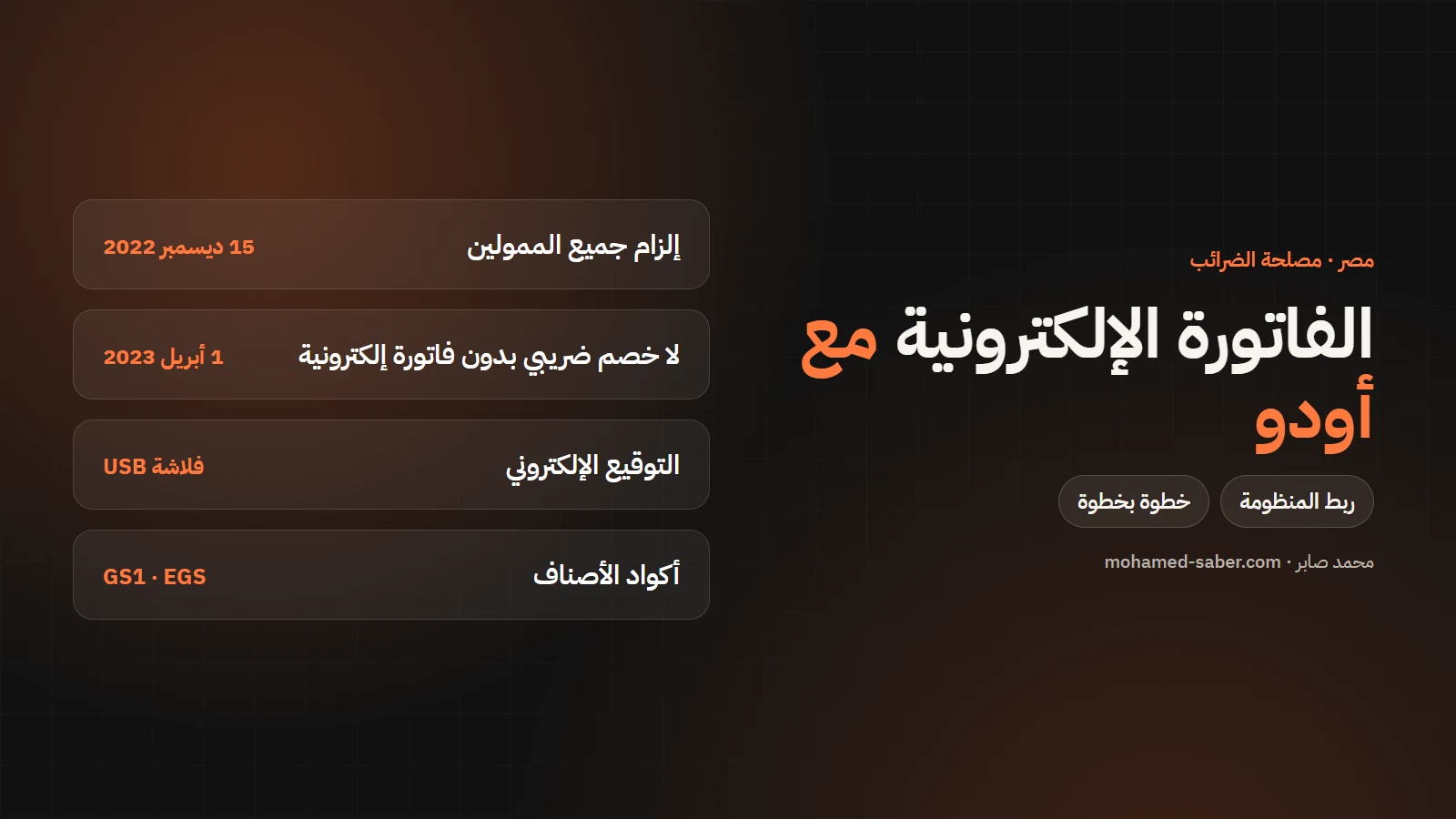
In short: every company registered with the Egyptian Tax Authority has had to use e-invoicing since December 2022, and since April 2023 VAT can only be deducted and costs proven with e-invoices. Odoo supports the integration from version 15.
Mandate dates
- All Tax Authority taxpayers had to join the system by 15 December 2022.
- From 1 April 2023 only e-invoices count for deducting or refunding VAT and for proving costs and expenses in tax returns.
Source: Bankygate report on the final phase of the system (November 2022). The e-receipt extends the system to consumer sales.
What you need before connecting
Requirement | Details |
|---|---|
System registration | Register Odoo as an ERP on the portal to get a Client ID and Client Secret |
E-signature | A USB token for each person who signs invoices, from the ETA or Egypt Trust |
Item codes | A GS1 or EGS code for each item |
Branches | Activity code and branch ID per branch (0 for a single branch) |
Customer data | Tax ID for companies, national ID for individuals |
Connecting Odoo step by step
Per the Odoo Egypt documentation:
- Install the Egypt accounting and ETA integration modules.
- Enter the Client ID and Client Secret in Odoo's e-invoicing settings.
- Install a local Odoo server as the bridge between the USB token and the database, enter the access token and the token PIN, and get the certificate.
- Set up a sales journal per branch with its activity code and branch ID.
- Match item codes and tax codes.
- Test on pre-production, then go live on production (each has its own credentials).
What happens when you issue an invoice
- The accountant creates and confirms the invoice in Odoo.
- The invoice is signed with the token's certificate through the local bridge.
- Odoo sends it to the system and receives an accepted or rejected response.
- An accepted invoice carries its system ID; a rejected one is corrected and sent again.
Preparing your data before connecting
- Items: register GS1 or EGS codes on the system portal first, then link them to items in Odoo.
- Customers: clean the data and complete the tax ID, address and customer type (company or individual).
- Taxes: make sure each tax in Odoo maps to the right tax code on the system.
- Branches: set the activity code and branch ID for every branch that issues invoices.
E-receipts for consumer sales
Direct sales to consumers in shops and restaurants use the e-receipt, an extension of the same system. If you have points of sale, plan to connect them from the start along with invoices.
Common mistakes
- Item codes that do not match what you registered on the system.
- Missing customer data, especially the tax ID.
- Starting on production before testing.
- One signing token for a whole team without a process.
I have delivered Egyptian e-invoice integrations with Odoo. Contact me or see Odoo ERP solutions. If your company is in Saudi Arabia, read the ZATCA phase 2 guide.