
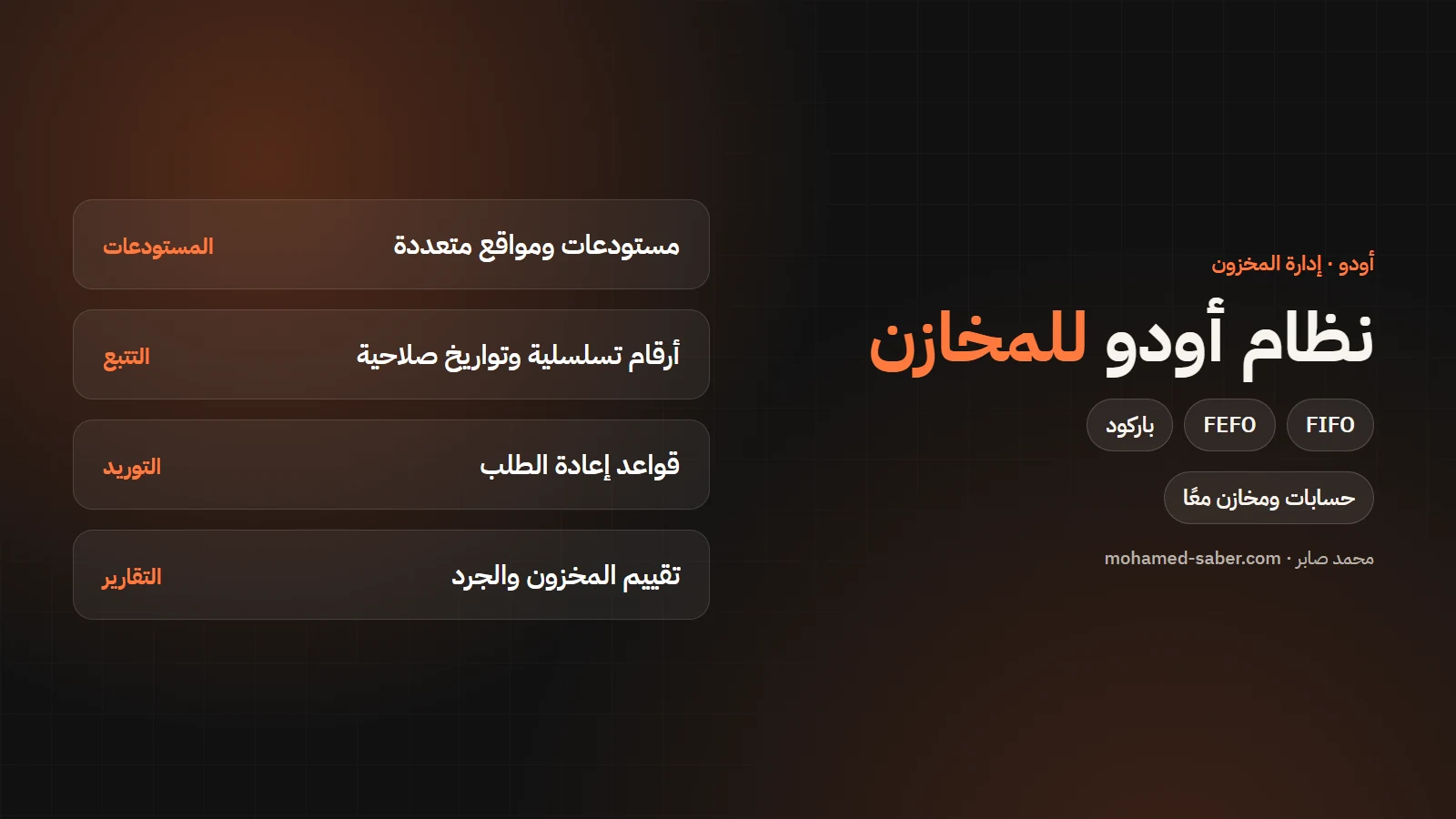
In short: Odoo Inventory manages warehouses, locations, items and moves, and links them to purchasing, sales and accounting. You know the balance of every item in every place, its value, and when to reorder.
What Odoo offers for stock management
Per the Odoo Inventory documentation:
Area | Features |
|---|---|
Warehouses | Multiple warehouses and locations, adjustments, cycle counts, scrap |
Item tracking | Serial numbers, lots, expiration dates |
Replenishment | Reordering rules, make to order, lead times, inter-warehouse replenishment |
Receiving and delivery | One- to three-step receipts and deliveries, putaway rules, dropshipping |
Removal strategies | FIFO, FEFO and others |
Valuation | Automatic inventory valuation and landed costs |
Reporting | Stock, moves history, forecast, stock valuation |
Who it suits
- Distribution and wholesale companies with several stores.
- Restaurants and small factories that track ingredients or components.
- Shops selling online and in a branch that need one correct balance.
- Contractors with a main store and site stores.
Odoo comes in two editions: Community, free and open source, and Enterprise, a per-user subscription with extra apps and features. Prices vary by country and plan, so check the official pricing page; I recommend the right edition during analysis.
Example: an item from purchase to sale
- A reordering rule flags that the item hit its minimum and creates a purchase request.
- It is received in the warehouse with its lot number and expiration date.
- A putaway rule sends it to the right place in the warehouse.
- On sale the earliest-expiring stock goes out first and the balance drops.
- Stock value updates in accounting with every move.
FIFO or FEFO?
FIFO ships what arrived first and suits most items. FEFO ships what expires first and suits food, medicine and cosmetics. The strategy can be set per product category.
Common mistakes when rolling out a stock system
- Entering opening balances from the books without a physical count.
- The same item under several codes or units of measure.
- Ignoring temporary issues and returns, so balances drift from reality.
- Not training storekeepers, who then go back to paper.
Rolling out Odoo Inventory
- Code items and units of measure and clean old data.
- Set up warehouses, locations and receipt and delivery steps.
- Enter opening balances after a physical count.
- Set reordering rules and valuation with your accountant.
- Train storekeepers, ideally with barcodes from day one.
Related: Odoo for restaurants; if you sell online see e-commerce development. Contact me or see Odoo ERP solutions.