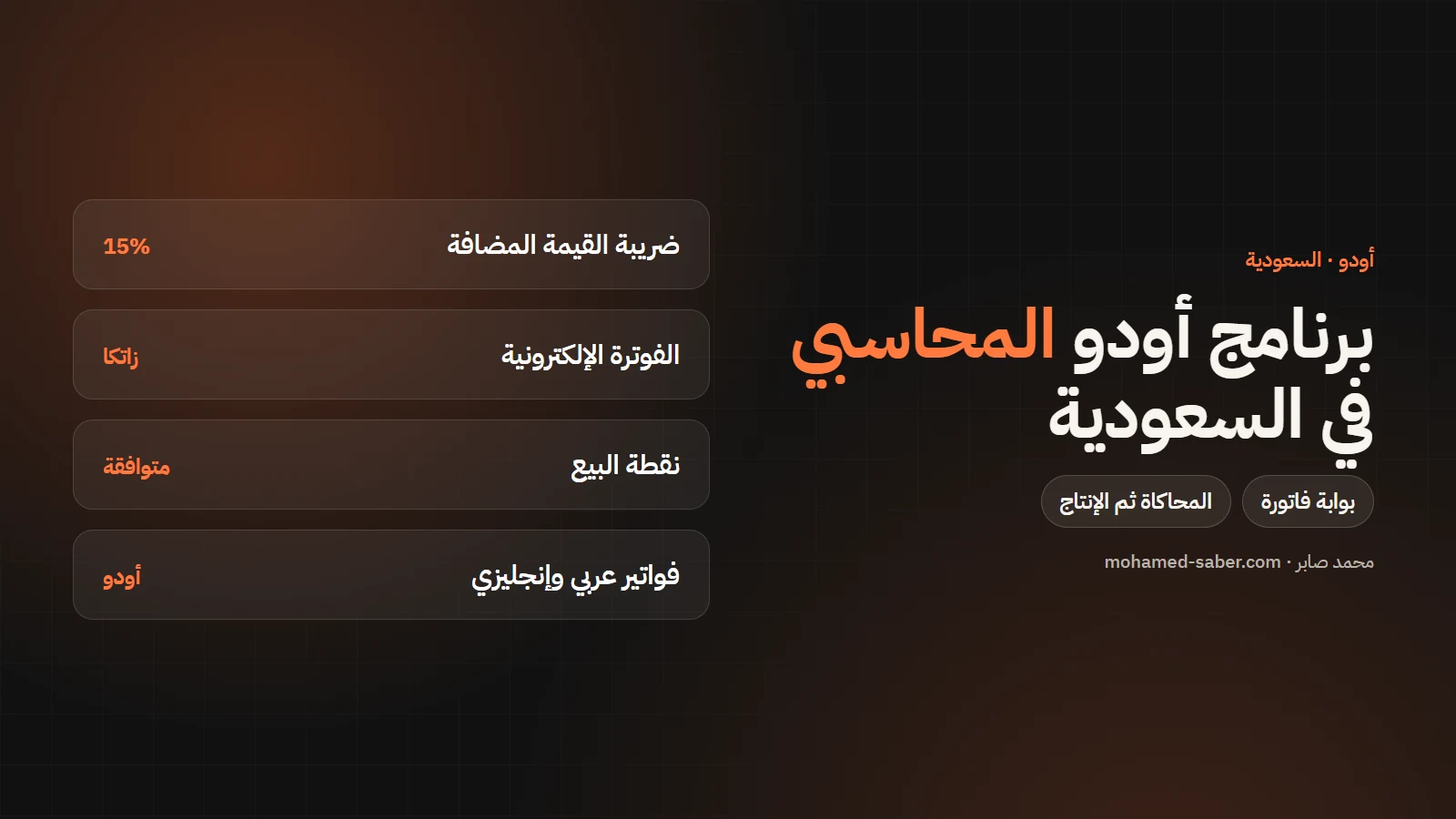
In short: Odoo ships a Saudi accounting and tax localization, a ZATCA e-invoicing module and a Point of Sale module. Set up correctly and tested on the simulation environment, it becomes a complete accounting system linked to your sales, purchasing and stock.
Odoo modules for Saudi Arabia
Per the Odoo Saudi Arabia documentation:
Module | Purpose |
|---|---|
Saudi Arabia - Accounting | The default Saudi accounting localization |
Saudi Arabia - E-invoicing | ZATCA e-invoicing |
Saudi Arabia - Point of Sale | Point of sale compliance |
VAT
VAT in Saudi Arabia is 15%. Taxes are set in Odoo on items, customers and suppliers, with exemption reason codes for zero-rated lines as ZATCA requires.
ZATCA e-invoicing from inside Odoo
- Complete company details: name, address with building number, VAT number and currency.
- Connect Odoo to the Fatoora simulation environment and test invoices.
- Onboard each sales journal with an OTP from the portal (valid for one hour).
- Compare the test results in the portal and in Odoo.
- Switch to production and re-onboard the journals on the live portal.
Warning: per Odoo's documentation, switching the ZATCA mode to production is irreversible, and any invoice on the live portal counts and can lead to fines. Details in the ZATCA phase 2 guide with Odoo.
The invoice cycle in Odoo with ZATCA
- Accounting or sales creates and confirms the invoice.
- Processing it sends it to the Fatoora portal and Odoo shows the response.
- Invoices not processed by hand are sent to the portal at the end of the day.
- A rejected invoice can be reset to draft and corrected; an accepted one cannot be edited.
Moving from another accounting package to Odoo
- Review your chart of accounts and map it to the Saudi chart in Odoo.
- Import customers, suppliers and items with their VAT numbers.
- Enter opening balances at a clear start date.
- Run both systems in parallel for one month before switching the old one off.
Mistakes that can cost you fines
- Switching to production before testing on simulation is finished.
- Incomplete company or customer address details.
- Zero-rated lines without exemption reason codes.
- Issuing manual invoices outside the system after integration.
What you get with Odoo Accounting
- Automatic entries from sales, purchasing and stock.
- Analytic accounts per branch or project.
- Multi-currency and bank reconciliation.
- Arabic and English invoices.
Odoo comes in two editions: Community, free and open source, and Enterprise, a per-user subscription with extra apps and features. Prices vary by country and plan, so check the official pricing page; I recommend the right edition during analysis.
I have delivered ZATCA integrations with Odoo, and I can help you set up and test yours. See Odoo ERP solutions.