
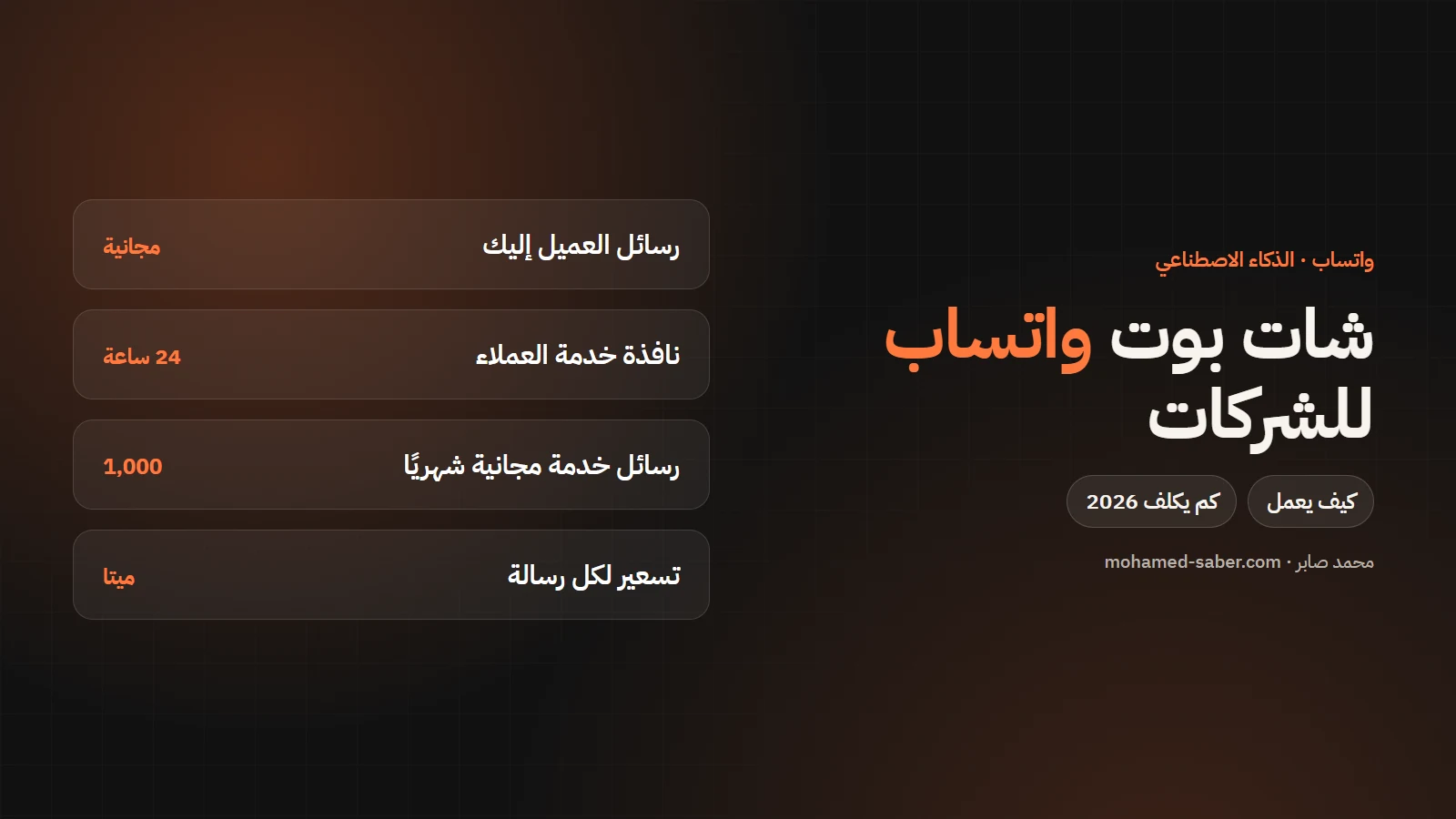
In short: a WhatsApp chatbot answers your customers around the clock, takes orders and bookings, and hands the chat to a person when needed. It runs on Meta's official WhatsApp Business Platform, and the cost has two parts: building the bot once, and Meta's per-message fees.
The WhatsApp Business app or the official platform?
WhatsApp Business app | WhatsApp Business Platform (API) | |
|---|---|---|
Use | One or two staff on a phone | A bot, several staff and systems |
Automation | Quick replies and greetings | A full bot linked to your systems |
Integration | No | With your site, store, Odoo and CRM |
Cost | Free | Meta's per-message fees + build cost |
Meta's pricing in 2026
Per Meta's WhatsApp Business Platform pricing page:
- Per message: since 1 July 2025 Meta charges per message the business sends, by category and the recipient's country.
- Categories: marketing, utility, authentication and service.
- Customer messages: messages from users to businesses are not charged.
- 24-hour window: when a customer messages you, a 24-hour window opens in which you reply with free-form messages, no templates.
- The 1 October 2026 update: Meta resumed charging for service messages, with 1,000 free a month per number, and utility messages inside the window are now charged too.
Rates for each category differ by country, so check Meta's rate card for your customers' markets.
What the bot can do
- Answer common questions: prices, opening hours, branches.
- Take and confirm orders and bookings.
- Send order status and appointment reminders.
- Hand the chat to a person with a summary of what the customer said.
- With AI: understand questions written in dialect and answer only from your company content.
Example: a WhatsApp bot for a clinic
- The patient writes: "I want to book with the doctor on Thursday".
- The bot understands and shows the open slots from the booking system.
- The patient picks one, and the bot confirms and sends the location.
- A day before, the bot sends a reminder as a utility message.
- If the patient asks a medical question, the bot hands over to staff instead of answering.
Estimating message cost
Count how many messages your company sends a month of each kind: confirmations and reminders (utility), offers (marketing), login codes (authentication) and replies to customers. Multiply each by its rate for your customers' country from Meta's rate card. Replies inside the 24-hour window are usually far cheaper than marketing campaigns, so design the bot around them.
What to watch for
- Answers only from your sources, so the bot never invents prices or promises.
- A clear button to reach a human.
- Marketing messages need customer opt-in and Meta-approved templates.
- Estimate the message cost before launch.
Launching a WhatsApp bot
- Decide what the bot handles and what goes to staff.
- Register a number on the WhatsApp Business Platform and verify the business.
- Build the bot and connect it to your site, store or system.
- Prepare message templates and get them approved.
- Pilot with a small group of customers, then launch.
I have built AI assistants such as the assistant on Dr. Sally Mounir's platform. See chatbot development, or contact me to work out what fits your company.