
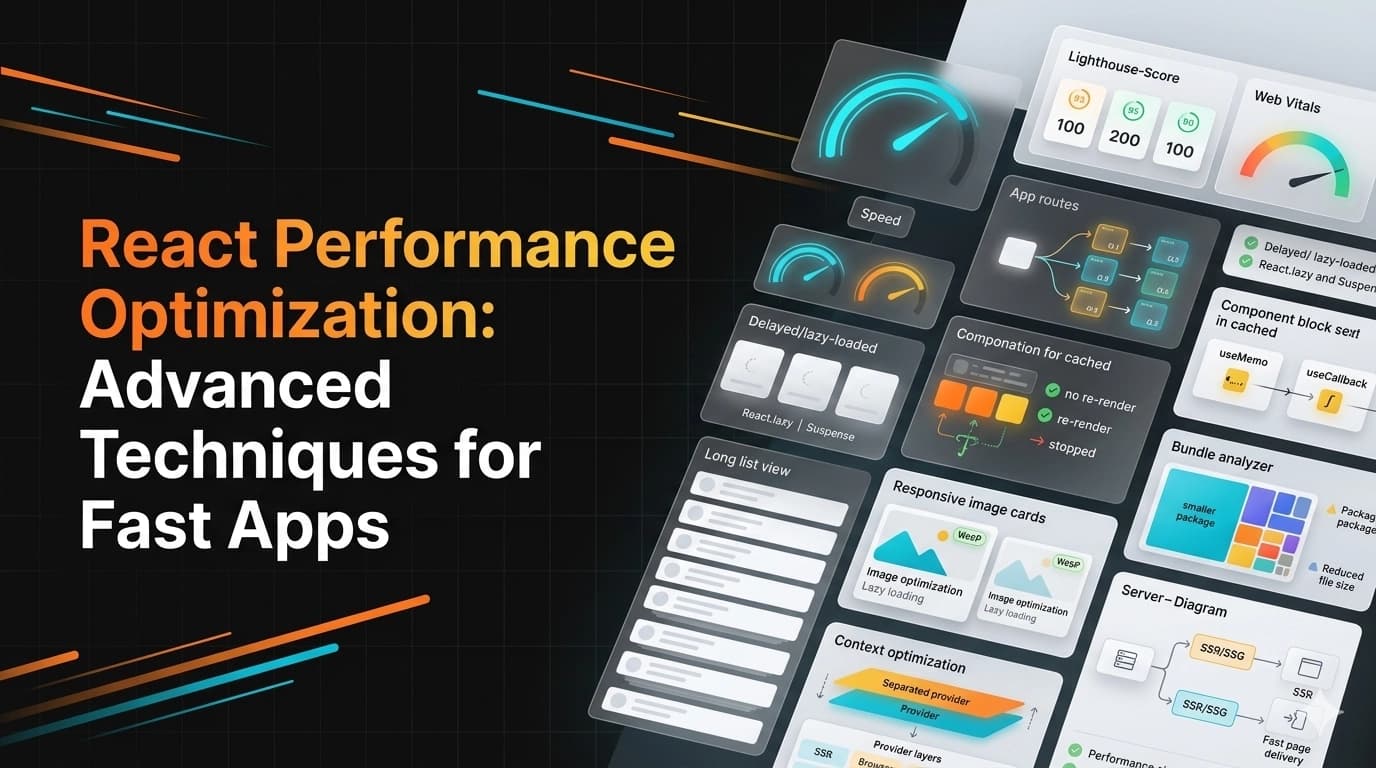
React is fast by default, but as applications grow, performance can become an issue. This guide covers advanced optimization techniques to keep your React apps blazing fast.
1. Measuring Performance First
Always measure before optimizing. Use these tools to identify bottlenecks:
- React DevTools Profiler
- Chrome DevTools Performance tab
- Lighthouse for Core Web Vitals
- Web Vitals JavaScript library
2. Code Splitting with React.lazy and Suspense
import { lazy, Suspense } from 'react';

// Lazy load heavy components
const Dashboard = lazy(() => import('./Dashboard'));
const Analytics = lazy(() => import('./Analytics'));
const Reports = lazy(() => import('./Reports'));

function App() {
    return (
        <Suspense fallback={<LoadingSpinner />}>
            <Routes>
                <Route path="/dashboard" element={<Dashboard />} />
                <Route path="/analytics" element={<Analytics />} />
                <Route path="/reports" element={<Reports />} />
            </Routes>
        </Suspense>
    );
}
3. React.memo for Component Memoization
// Prevent re-renders when props haven't changed
const ExpensiveComponent = React.memo(({ data, onAction }) => {
    // Component logic
    return <div>{/* complex UI */}</div>
}, (prevProps, nextProps) => {
    // Custom comparison function
    return prevProps.data.id === nextProps.data.id;
});

// For components that always receive different props, don't use memo
4. useMemo and useCallback Hooks
import { useMemo, useCallback, useState } from 'react';

function ProductList({ products, searchTerm }) {
    // Memoize expensive calculations
    const filteredProducts = useMemo(() => {
        return products.filter(product =>
            product.name.toLowerCase().includes(searchTerm.toLowerCase())
        );
    }, [products, searchTerm]);

    // Memoize callback functions
    const handleProductClick = useCallback((productId) => {
        console.log('Product clicked:', productId);
        // Handle click logic
    }, []);

    const totalValue = useMemo(() => {
        return filteredProducts.reduce((sum, p) => sum + p.price, 0);
    }, [filteredProducts]);

    return (
        <div>
            <div>Total Value: totalValue</div>
            {filteredProducts.map(product => (
                <ProductCard
                    key={product.id}
                    product={product}
                    onClick={handleProductClick}
                />
            ))}
        </div>
    );
}
5. Virtualization for Long Lists
import { FixedSizeList as List } from 'react-window';
import { useMemo } from 'react';

const Row = ({ index, style, data }) => (
    <div style={style}>
        {data[index].name} - {data[index].email}
    </div>
);

function VirtualizedList({ items }) {
    // Only render visible rows (10,000+ items become ~20 DOM nodes)
    return (
        <List
            height={600}
            itemCount={items.length}
            itemSize={50}
            width="100%"
            itemData={items}
        >
            {Row}
        </List>
    );
}
6. Avoiding Inline Functions and Objects
// ❌ Bad: New function created on every render
<button onClick={() => handleClick(id)}>Click</button>

// ✅ Good: Define function outside or use useCallback
const handleButtonClick = useCallback(() => {
    handleClick(id);
}, [id]);

<button onClick={handleButtonClick}>Click</button>

// ❌ Bad: New object created on every render
<Component style={{ color: 'red' }} />

// ✅ Good: Define style outside component
const STYLES = { color: 'red' };
<Component style={STYLES} />
7. Image Optimization
import Image from 'next/image';

// Next.js Image component (automatic optimization)
<Image
    src="/large-image.jpg"
    alt="Description"
    width={800}
    height={600}
    loading="lazy"
    sizes="(max-width: 768px) 100vw, (max-width: 1200px) 50vw, 33vw"
    quality={85}
/>

// For pure React, use native lazy loading
<img
    src="image.jpg"
    loading="lazy"
    decoding="async"
    srcSet="image-400w.jpg 400w, image-800w.jpg 800w"
    sizes="(max-width: 600px) 400px, 800px"
/>
8. Bundle Size Optimization
// webpack.config.js / next.config.js

// Analyze bundle size
const BundleAnalyzerPlugin = require('webpack-bundle-analyzer').BundleAnalyzerPlugin;

module.exports = {
    plugins: [
        new BundleAnalyzerPlugin()
    ]
};

// Import only what you need
// ❌ Bad
import _ from 'lodash';

// ✅ Good
import debounce from 'lodash/debounce';

// Or use smaller alternatives
// Use 'date-fns' instead of 'moment'
// Use 'axios' only if needed - fetch API works for simple cases
9. Optimizing Context API
// Split contexts by usage to prevent unnecessary re-renders
const UserContext = React.createContext();
const ThemeContext = React.createContext();

// Instead of one large context
const AppContext = React.createContext({ user, theme, settings, notifications });

function App() {
    return (
        <UserProvider>
            <ThemeProvider>
                <SettingsProvider>
                    {children}
                </SettingsProvider>
            </ThemeProvider>
        </UserProvider>
    );
}
10. Server-Side Rendering (SSR) and Static Generation
// Next.js: Static Generation (SSG)
export async function getStaticProps() {
    const data = await fetchData();
    return {
        props: { data },
        revalidate: 3600 // Revalidate every hour
    };
}

// Next.js: Server-Side Rendering (SSR)
export async function getServerSideProps(context) {
    const userData = await getUserData(context.params.id);
    return { props: { userData } };
}
Performance Checklist
- ✅ Use production builds (NODE_ENV=production)
- ✅ Enable gzip/brotli compression
- ✅ Implement CDN for static assets
- ✅ Use webp images with fallbacks
- ✅ Implement service workers for offline caching
- ✅ Monitor with React DevTools Profiler regularly
- ✅ Set up performance budgets (e.g., bundle < 200KB)
Conclusion
React performance optimization is about finding the right balance between code maintainability and speed. Start with measuring, then apply techniques that address actual bottlenecks. Remember that premature optimization can add unnecessary complexity - optimize what matters.