
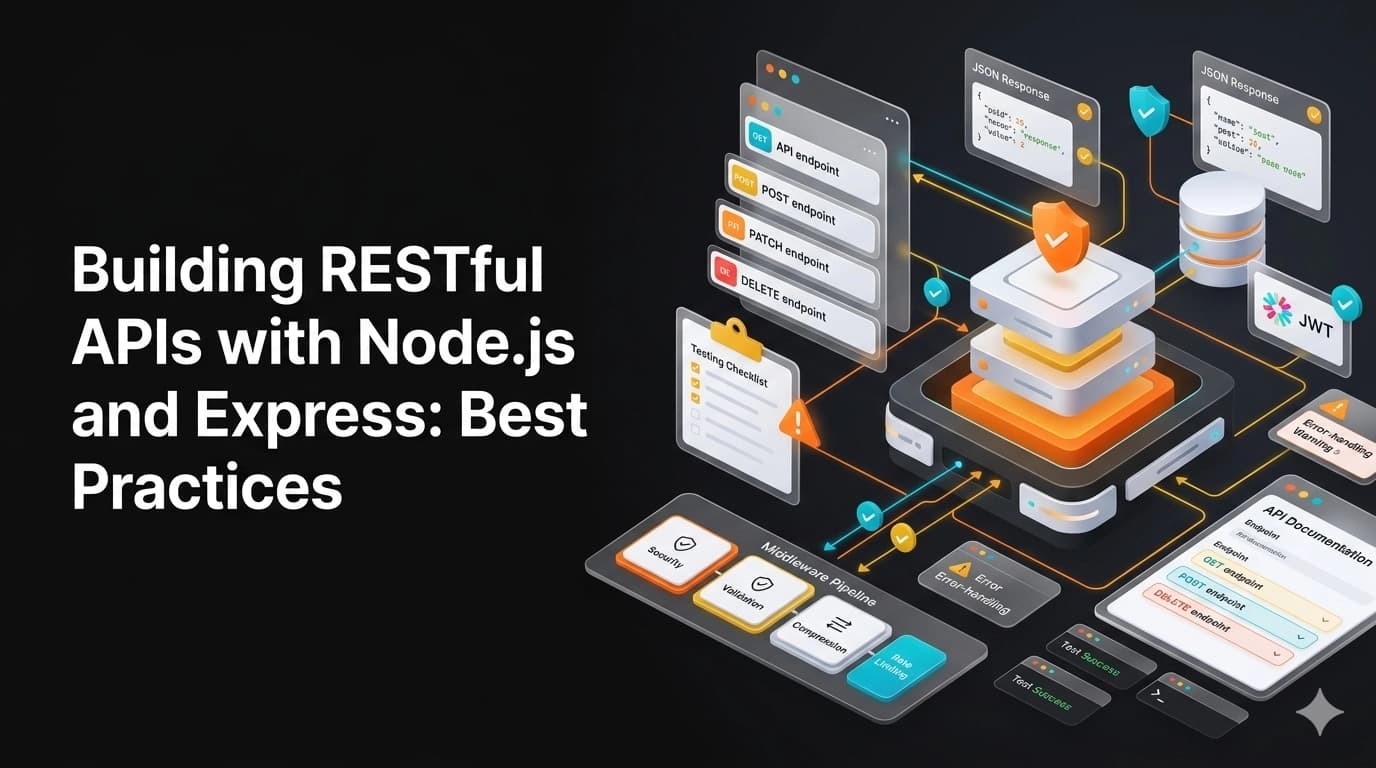
Building robust RESTful APIs is crucial for modern web applications. This guide covers best practices for creating production-ready APIs with Node.js and Express.
Project Structure
src/
├── controllers/    # Request handlers
├── models/         # Database models
├── routes/         # API routes
├── middleware/     # Custom middleware
├── services/       # Business logic
├── utils/          # Helper functions
├── config/         # Configuration
├── validations/    # Input validation
└── app.js         # Express app setup
Setting Up Express
const express = require('express');
const cors = require('cors');
const helmet = require('helmet');
const compression = require('compression');
const rateLimit = require('express-rate-limit');

const app = express();

// Security middleware
app.use(helmet());
app.use(cors());
app.use(compression());

// Rate limiting
const limiter = rateLimit({
    windowMs: 15 * 60 * 1000, // 15 minutes
    max: 100 // limit each IP to 100 requests per windowMs
});
app.use('/api', limiter);

// Body parsing
app.use(express.json());
app.use(express.urlencoded({ extended: true }));
Route Organization
// routes/userRoutes.js
const router = require('express').Router();
const userController = require('../controllers/userController');
const { validateUser } = require('../validations/userValidation');
const { protect, restrictTo } = require('../middleware/auth');

router
    .route('/')
    .get(protect, userController.getAllUsers)
    .post(validateUser, userController.createUser);

router
    .route('/:id')
    .get(protect, userController.getUser)
    .patch(protect, restrictTo('admin'), userController.updateUser)
    .delete(protect, restrictTo('admin'), userController.deleteUser);

module.exports = router;
Controller Pattern
// controllers/userController.js
const User = require('../models/User');
const catchAsync = require('../utils/catchAsync');
const AppError = require('../utils/AppError');

exports.getAllUsers = catchAsync(async (req, res, next) => {
    const users = await User.find();

    res.status(200).json({
        status: 'success',
        results: users.length,
        data: { users }
    });
});

exports.createUser = catchAsync(async (req, res, next) => {
    const newUser = await User.create(req.body);

    res.status(201).json({
        status: 'success',
        data: { user: newUser }
    });
});
Error Handling Middleware
// utils/AppError.js
class AppError extends Error {
    constructor(message, statusCode) {
        super(message);
        this.statusCode = statusCode;
        this.isOperational = true;

        Error.captureStackTrace(this, this.constructor);
    }
}

// middleware/errorHandler.js
const errorHandler = (err, req, res, next) => {
    err.statusCode = err.statusCode || 500;
    err.status = err.status || 'error';

    if (process.env.NODE_ENV === 'development') {
        res.status(err.statusCode).json({
            status: err.status,
            error: err,
            message: err.message,
            stack: err.stack
        });
    } else {
        // Production: don't leak error details
        res.status(err.statusCode).json({
            status: err.status,
            message: err.isOperational ? err.message : 'Something went wrong'
        });
    }
};
Input Validation with Joi
// validations/userValidation.js
const Joi = require('joi');

const userSchema = Joi.object({
    name: Joi.string().min(3).max(50).required(),
    email: Joi.string().email().required(),
    password: Joi.string().min(8).required(),
    role: Joi.string().valid('user', 'admin').default('user')
});

const validateUser = (req, res, next) => {
    const { error } = userSchema.validate(req.body);

    if (error) {
        return next(new AppError(error.details[0].message, 400));
    }

    next();
};
Authentication with JWT
// middleware/auth.js
const jwt = require('jsonwebtoken');
const { promisify } = require('util');
const User = require('../models/User');

const protect = catchAsync(async (req, res, next) => {
    let token;

    if (req.headers.authorization?.startsWith('Bearer')) {
        token = req.headers.authorization.split(' ')[1];
    }

    if (!token) {
        return next(new AppError('You are not logged in', 401));
    }

    const decoded = await promisify(jwt.verify)(token, process.env.JWT_SECRET);
    const currentUser = await User.findById(decoded.id);

    if (!currentUser) {
        return next(new AppError('User no longer exists', 401));
    }

    req.user = currentUser;
    next();
});
Database Integration with Mongoose
// models/User.js
const mongoose = require('mongoose');
const bcrypt = require('bcryptjs');

const userSchema = new mongoose.Schema({
    name: {
        type: String,
        required: [true, 'Name is required'],
        trim: true
    },
    email: {
        type: String,
        required: [true, 'Email is required'],
        unique: true,
        lowercase: true
    },
    password: {
        type: String,
        required: [true, 'Password is required'],
        minlength: 8,
        select: false
    },
    role: {
        type: String,
        enum: ['user', 'admin'],
        default: 'user'
    }
}, { timestamps: true });

userSchema.pre('save', async function(next) {
    if (!this.isModified('password')) return next();
    this.password = await bcrypt.hash(this.password, 12);
    next();
});

userSchema.methods.comparePassword = async function(candidatePassword) {
    return await bcrypt.compare(candidatePassword, this.password);
};

module.exports = mongoose.model('User', userSchema);
API Documentation with Swagger
// swagger.js
const swaggerJsdoc = require('swagger-jsdoc');
const swaggerUi = require('swagger-ui-express');

const options = {
    definition: {
        openapi: '3.0.0',
        info: {
            title: 'API Documentation',
            version: '1.0.0',
            description: 'REST API documentation'
        },
        servers: [{ url: 'http://localhost:3000' }]
    },
    apis: ['./routes/*.js']
};

const specs = swaggerJsdoc(options);
app.use('/api-docs', swaggerUi.serve, swaggerUi.setup(specs));
Testing with Jest and Supertest
// tests/user.test.js
const request = require('supertest');
const app = require('../app');

describe('User API', () => {
    describe('GET /api/users', () => {
        it('should return all users', async () => {
            const res = await request(app)
                .get('/api/users')
                .expect(200);

            expect(res.body.status).toBe('success');
            expect(Array.isArray(res.body.data.users)).toBe(true);
        });
    });
});
Environment Configuration
// config/config.js
require('dotenv').config();

module.exports = {
    env: process.env.NODE_ENV || 'development',
    port: process.env.PORT || 3000,
    mongoURI: process.env.MONGO_URI,
    jwtSecret: process.env.JWT_SECRET,
    jwtExpiresIn: process.env.JWT_EXPIRES_IN || '7d'
};
Best Practices Summary
- Use environment variables for configuration
- Implement proper error handling
- Validate all user input
- Use HTTP status codes correctly
- Implement rate limiting
- Use HTTPS in production
- Keep dependencies updated
- Write integration and unit tests
- Document your API with Swagger/OpenAPI
- Use versioning (e.g., /api/v1/users)
Conclusion
Building production-ready REST APIs requires attention to security, error handling, validation, and documentation. Following these best practices will help you create robust, scalable, and maintainable APIs that can handle real-world traffic and requirements.