
The honest answer: yes, you can build a prototype app with AI tools at almost no cost, which is great for testing an idea or showing it to an investor. But a real app that customers use and pay through has costs you cannot avoid, and needs a developer's review.
What you can do with AI for free
- App screens and a first design from a written description.
- A clickable prototype you try on your phone and show to partners.
- A simple app for your own use or a small team.
- Writing parts of the code and explaining it if you are learning to program.
What is never free
Item | Cost |
|---|---|
App Store account | USD 99 a year (Apple) |
Google Play account | USD 25 once (Google) |
Server and database | Small at first, growing with users |
Paid plans of AI tools | Usually once you pass the free limits |
Maintenance and updates | With every new Android and iOS release |
Where AI tools stop
- Security: generated code can leave gaps in permissions or data storage.
- Payments and integrations: gateways like mada, Tabby and Paymob need careful setup and testing.
- Arabic: right-to-left interfaces need care that does not come automatically.
- Ownership: make sure you own the code and can hand it to another developer.
- Changes: every big change can break what works, with no tests to protect the app.
Examples: what suits the tool and what needs a developer
Idea | With an AI tool | With a developer |
|---|---|---|
Personal to-do or notes app | Fits | Not needed |
Product catalogue without payments | Fits as a start | As products grow |
Bookings for a clinic or salon | A prototype to test | To launch with reminders and payments |
Store with online payments | A demo only | Required |
Delivery app or app with drivers | Does not fit | Required |
Common mistakes
- Submitting to the stores before testing on different devices, then getting rejected or bad reviews.
- Putting service API keys inside the app itself, where anyone can extract them.
- Relying on a free plan with usage limits, so the app stops with the first rise in users.
- Forgetting a privacy policy and account deletion, both required on the App Store and Google Play.
The smart route: start with the tool, move to a developer once the idea is proven
- Build a prototype with AI and show it to 10 potential customers.
- If they like it, write down the core features they would pay for.
- Have a developer build a real first version (MVP) from the prototype.
- Add AI features where they really save the user time.
AI inside the app itself
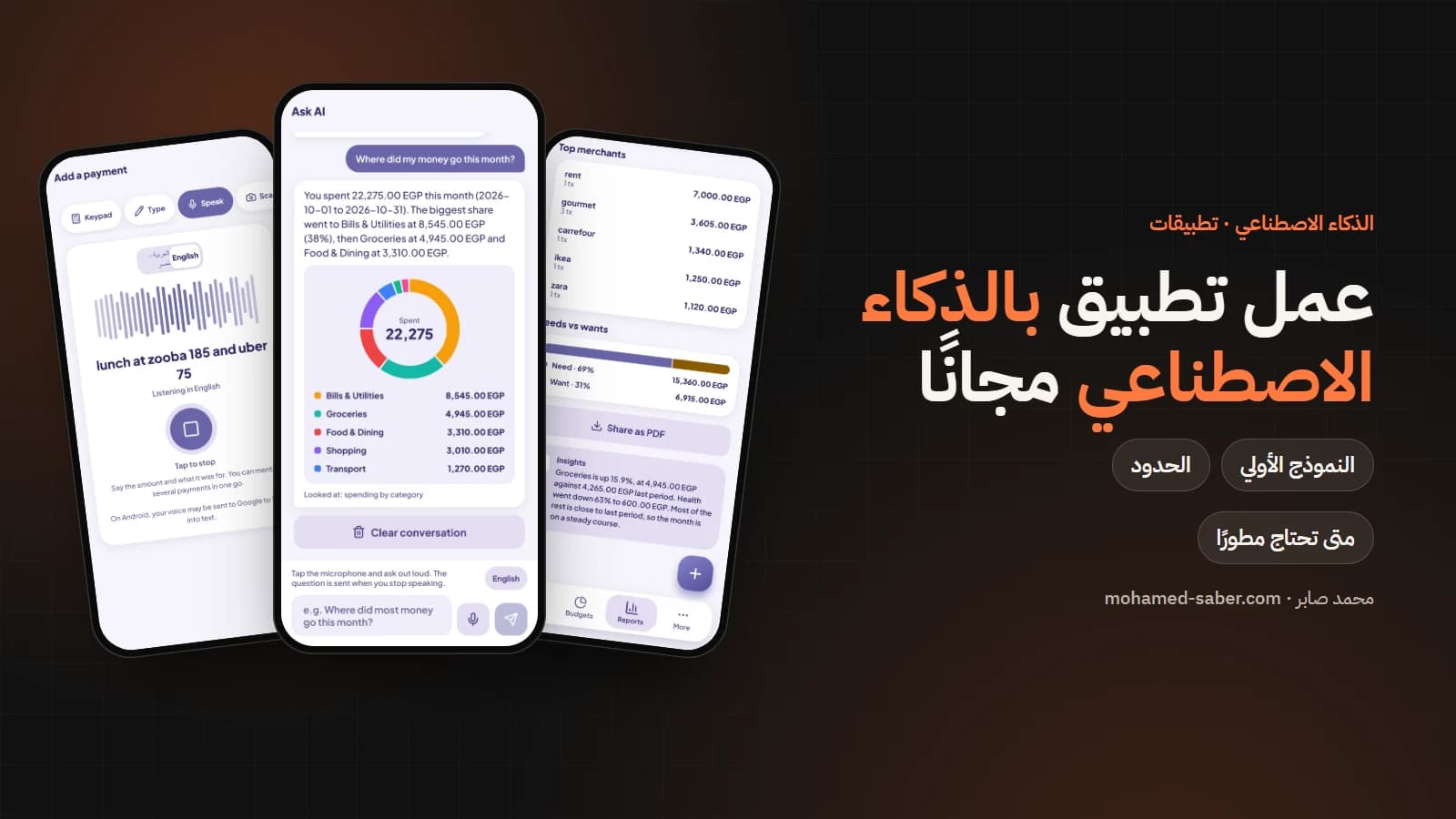
AI is not only a way to build an app, it is a feature inside it. In Money Follows, for example, users type or say their spending in their own words and the app understands it, while the app, not the model, does the math.
To see what a real app costs read the app development cost guide for Egypt and Saudi Arabia, or contact me and see mobile app development.